
Avastar
Build, rig, and animate Second Life characters directly in Blender with Avalab's flagship character toolkit.
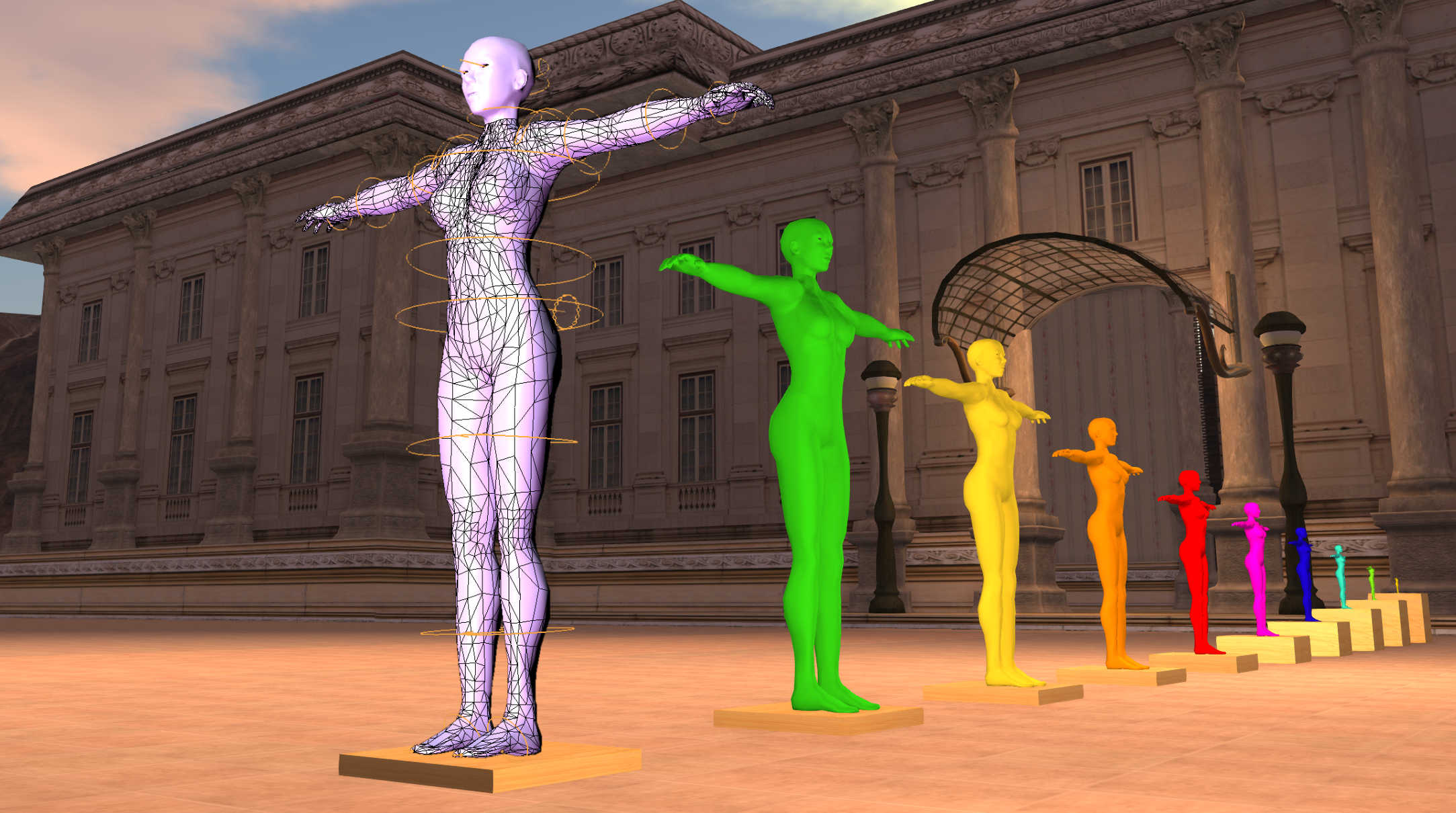
Avastar streamlines avatar authoring, weighting, posing, and export for Bento and legacy workflows without forcing artists into brittle manual rig setups.
Full product license for new customers.
Use this when renewing or extending support access.
Signed-out view
Log in first to see whether you already own this product and whether your account qualifies for renewal pricing.
You can create an account as follows
Simplest method: Use your Avatar
- Login to Second Life
- Visit our JASS Shop in Second Life.
- Locate a vendor Panel (e.g. for Avastar)
- (optional) Purchase or update product license
- Click on the Open Download Page panel
- You get a login link, open it in your Browser
- Note: Works only if you have purchased anything in the past
Note: If you have no purchases yet, you will see a login page.
Also simple: Make a purchase with Paypal
- Just purchase.
How to Log In
You can log in using any of the following methods:
🔹 Log in with Your Second Life Avatar
- Log in to Second Life with the avatar that made the purchase.
- Visit the JASS Shop in Second Life (SLURL to the Shop).
- Find the Avastar Vendor.
- Next to the vendor, look for a panel labeled "Open Download Page".
- Click the link provided and open it in your browser.
🔹 Log in with Your Avalab Account
- Use your Avalab account username and password.
🔹 Log in with Your PayPal Email
- Enter your PayPal email as the username.
- Use the Purchase ID from your PayPal receipt as the password.
🔹 Log in with Your Avatar Name
- Enter your Second Life Avatar Name as the username.
- Use any of your Purchase IDs as the password.
You can log in using one of the following:
- Avatar Name used for your purchases in Second Life.
- WordPress Account Username (if you have an account on Avalab).
- Email Address used with your PayPal Purchases.
- If you have a WordPress account on Avalab, use your WordPress password.
- Otherwise, use the Purchase ID of any product you've purchased.
Only if you previously purchased from Second Life (JASS Shop in SL): You can visit the shop and click on the "Open Download Page" panel beside the Vendor. This will allow you to access your downloads with an automatic login.
🔹 Log in with Your Second Life Avatar
- Log in to Second Life with your avatar.
- Visit the JASS Shop in Second Life (SLURL to the Shop).
- Find the Avastar Vendor.
- Use the Avastar vendor in the Shop to make your purchase (with Linden$).
- Next to the vendor, look for a panel labeled "Open Download Page".
- Click the link provided and open it in your browser.