
This section contains a collection of workflow documents.
A Workflow is just a description of a common step by step approach for a specific task. Please feel free to suggest more workflows if you are missing one. We also appreciate your own workflows. You can add them as a comment
Section Pages
Clones
Sometimes you may want to modify the Avastar meshes
Read more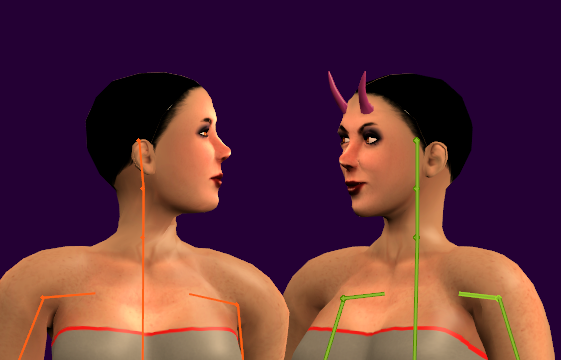
Attach
Attach a Mesh Model to Avastar.
Read more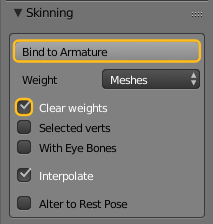
Fitted Mesh
The Workflow is briefly described in the advanced section:
Read moreFit to Shape
Creating a fitted Mesh has become a bit easier with our new Fitting tool. This document contains a brief usage workflow. For the full documentation please read the Fitting Panel Help page.
Read more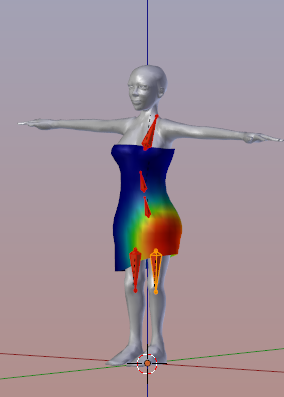
Add Avastar
Navigate to:
Read more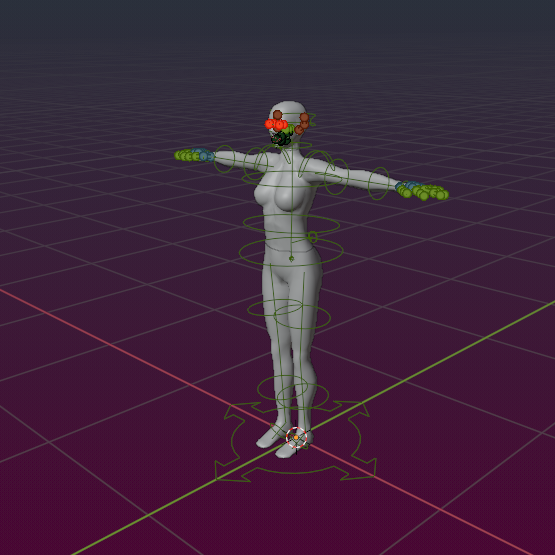
Load Shapes
Suppose you start a fresh Project with an empty scene. You already have downloaded your personal Shape from Second Life as a local Shape file (in XML Format). All that you want is to create a new Avastar character with exactly…
Read more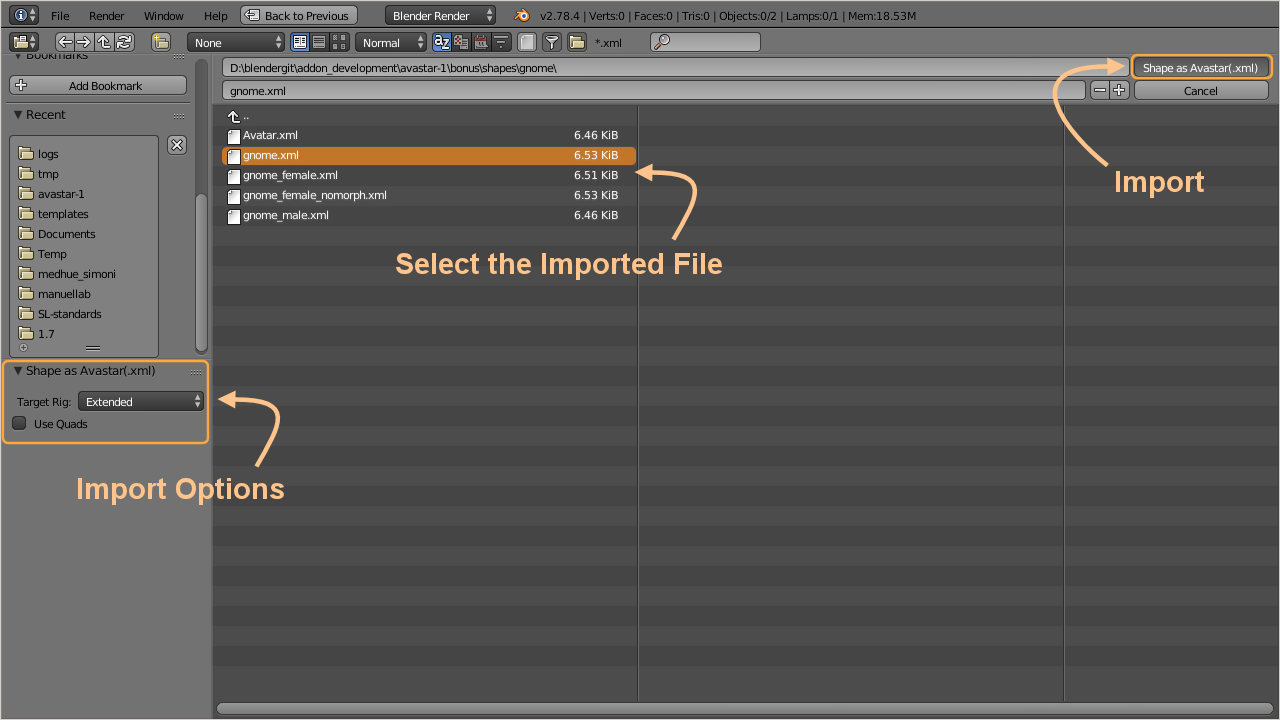
Upload to SL
The Video explains:
Read more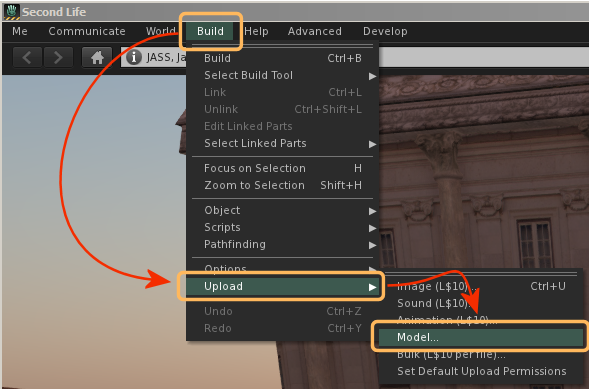
Bind Pose
{{ layout kind="text-image" }}
Read more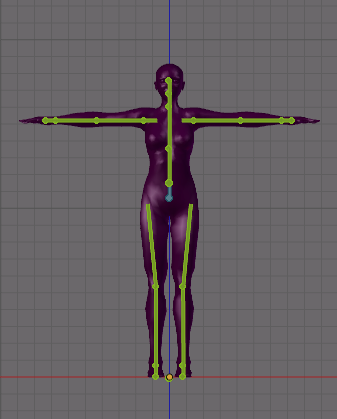
Basic workflows
You should work through the Basic Workflows section at least once to get comfortable with how to use Avastar.
Read more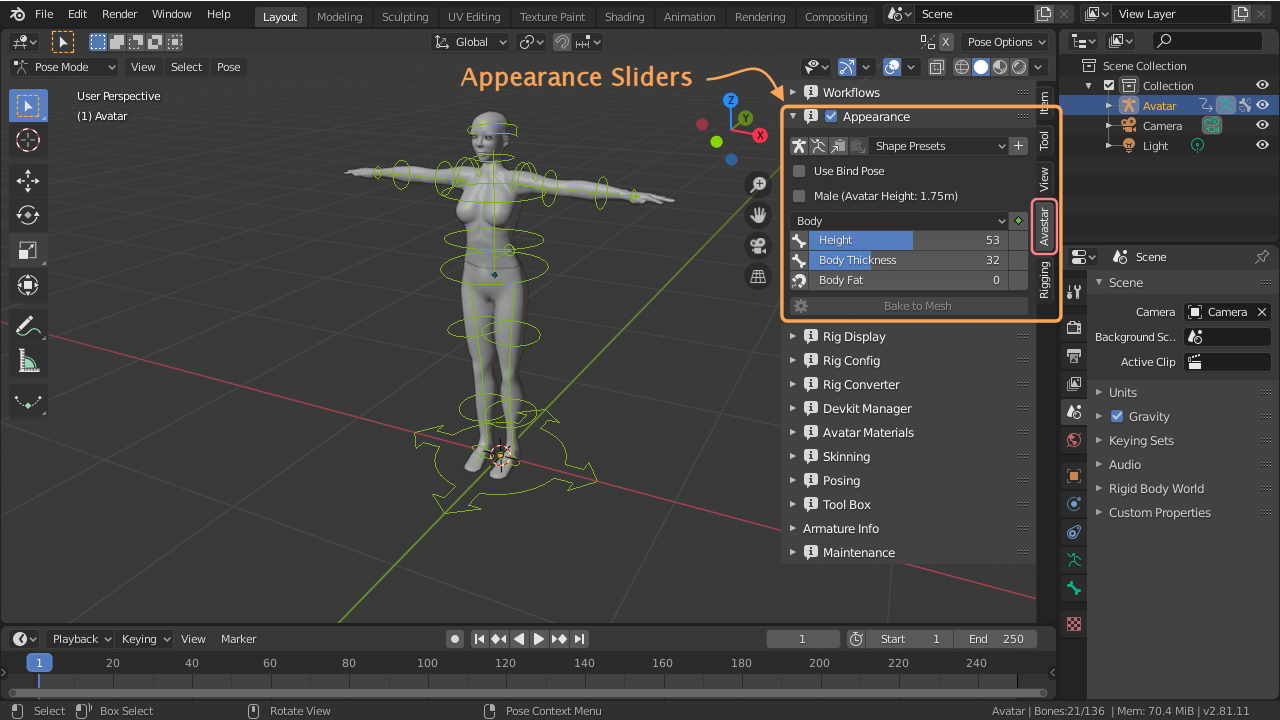
Convert to T-Pose
This workflow applies to Rigs which have a restpose different from the SL restpose. Note: It is not strictly necessary to convert your rig into a T-Pose. Avastar supports binding to arbitrary poses since a while. Basically this…
Read more