Historical Sparkles guide. Screenshots and instructions reflect older Blender versions and may differ from current releases.
In a Nutshell
Sparkles is a growing collection of useful tools (sparkles) for Animation and creation in Blender. Sparkles has been created for Game developers who need to export their creations from Blender to a target system.
Animation Scale
This is a tool for Applying the Scale of an animated Armature also to the Armature’s animations. The problem shows up when you need to scale a ready made animated character. If the Animation contains location changes, then applying scale to the Armature will result in broken Animations. The Animation scale tool fixes this issue.
More
Timeline Copy
The Sparkles Timeline Copy Tool for timeline ranges with the additional ability to x-mirror all poses in a given time range. The mirror copy feature naturally supports the creation of Walk Cycles.
More
UV Face copy
Join multiple UV Maps into one single map. Useful when you have joined objects with different UV-Map names.
More
Weight Inspector
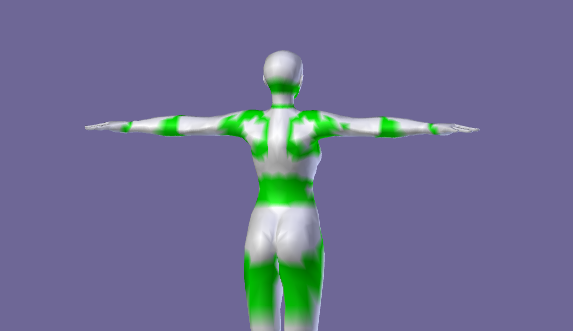
The Weights Inspector displays the number of weights per vertex by creating a colorized texture (using vertex paint)
More
IK Presets
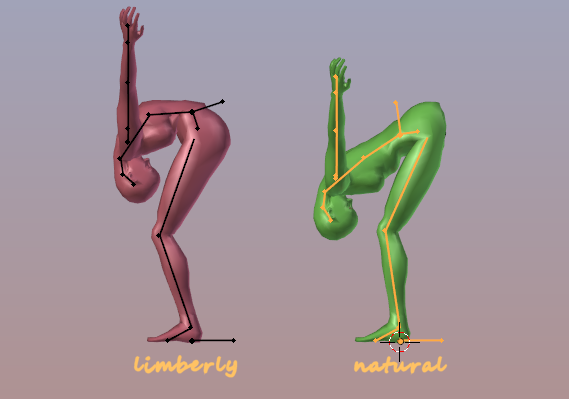
The IK Constraint Presets makes it possible to create alternative reusable constraints sets for the same Rig. This can be used for example to model an age dependent mobility for different characters using the same skeleton
More
User Templates
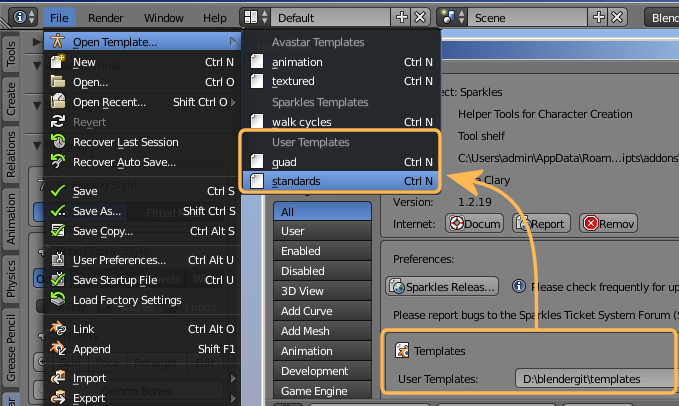
The User Templates makes it possible to create your own blender templates and add them as template files to the Menu
File -> Open Template …
More
Smart Mirror Weight Copy
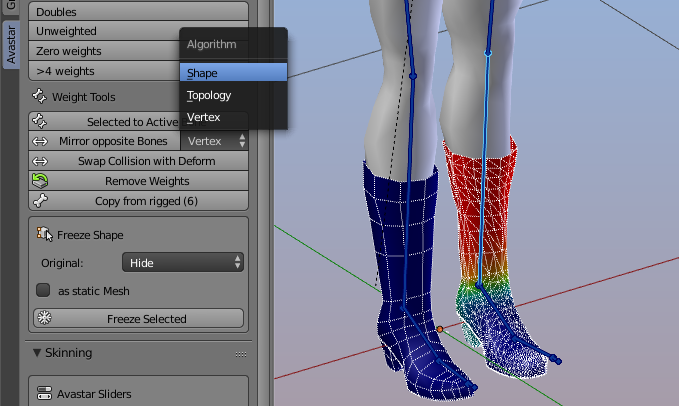
The Smart Mirror Copy tool allows to mirror copy weights of a mesh with asymmetric topology (see image). Only the left/right side of your mesh must be at least comparable. (The mesh topology does not need to be exactly symmetrical, only the shape of the left/right sides must be similar)
More
Shape Key Copy
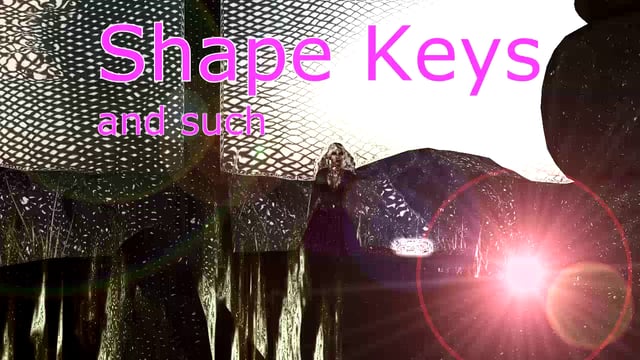
Our Shape copy tool allows to copy shape keys from arbitrary meshes with similar shape to a target mesh. The source meshes do not need to use the same topology as the target mesh.
More
Weld Normals
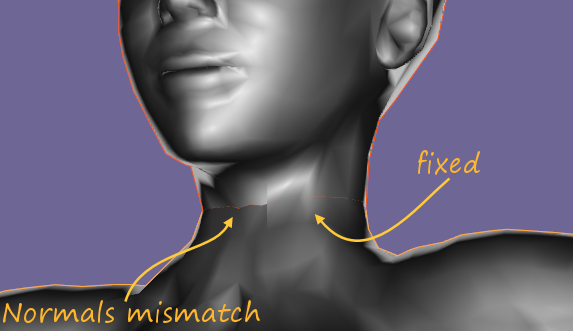
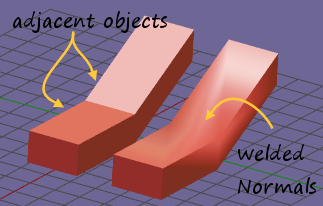
The weld Normals tool is made for fixing normals of adjacent objects to let the surface appear seamless.
More
Tool guides
Section Pages
Animation Scale Tool
Preserved Sparkles tools documentation for older Blender versions.
Read more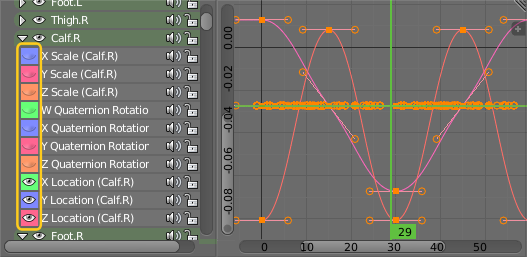
Timeline Copy
Preserved Sparkles tools documentation for older Blender versions.
Read more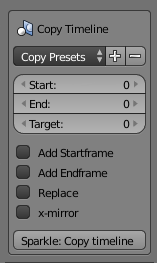
UV Face copy
Preserved Sparkles tools documentation for older Blender versions.
Read more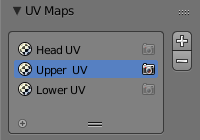
Weight Inspector
Preserved Sparkles tools documentation for older Blender versions.
Read more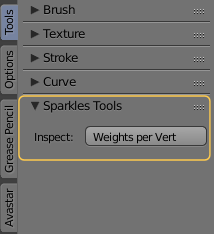
IK Presets
Preserved Sparkles tools documentation for older Blender versions.
Read moreuser templates
Preserved Sparkles tools documentation for older Blender versions.
Read moreSmart Mirror Weight Copy
Preserved Sparkles tools documentation for older Blender versions.
Read moreShapekey Copy
Preserved Sparkles tools documentation for older Blender versions.
Read moreWeld Normals
Preserved Sparkles tools documentation for older Blender versions.
Read more