
Historical Sparkles guide. Screenshots and instructions reflect older Blender versions and may differ from current releases.
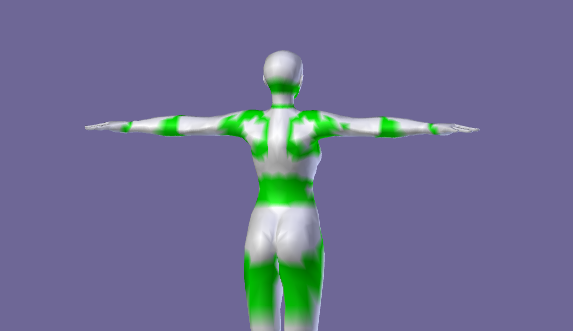
The Weights Inspector displays the number of weights per vertex by creating a colorized texture (using vertex paint)
The Weights Inspector
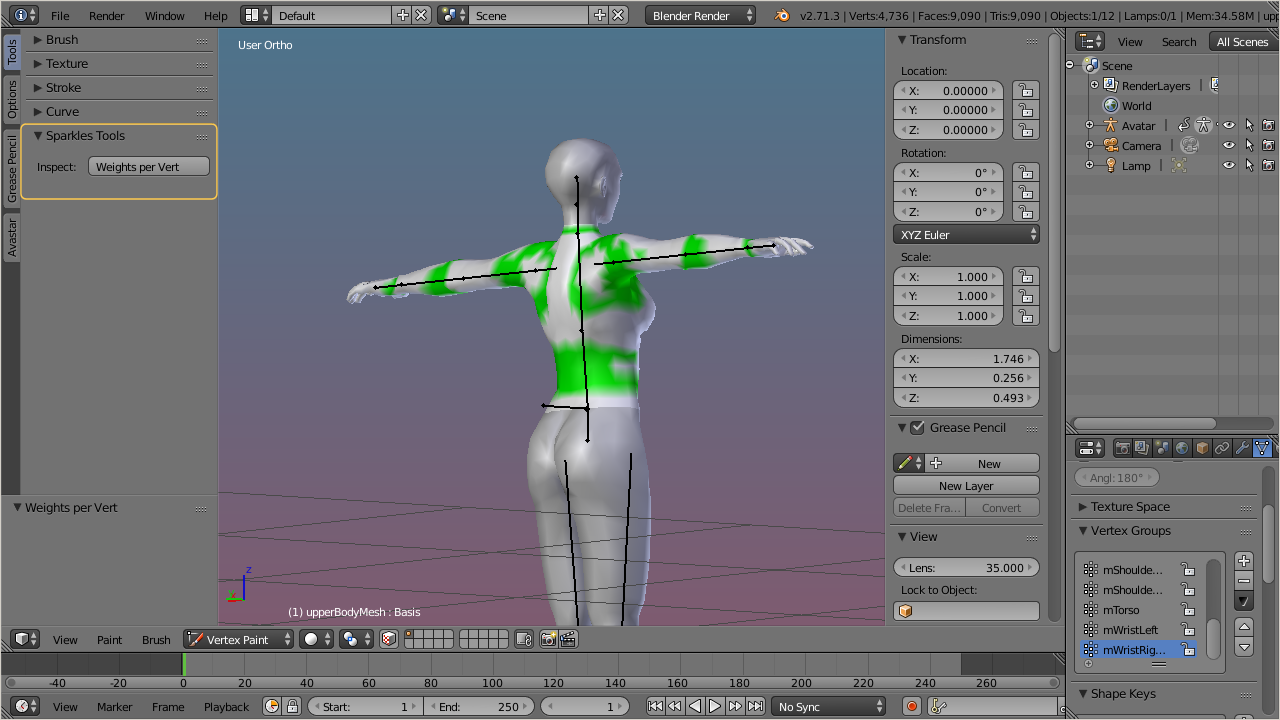
The Weight inspector only works on Objects which are bound to an armature. Otherwise the inspector can not determine the weights per bone.
You find the tool in the Toolshelf, Tools vertical Tab, in the Sparkles tools Panel (see image).
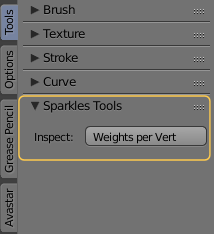
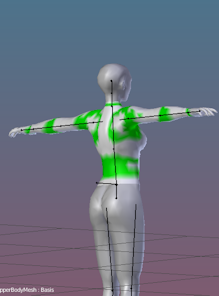
When you click on the Button Weights per Vert, then Blender creates a new Vertex Color layer named spk_weights_per_weight. The vertices are colored depending on the number of bones from which they are influenced.
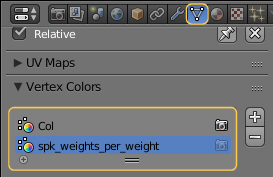
The color code is defined as follows:
0 Bones
1 Bone
2 Bones
3 Bones
4 Bones
More than 4 Bones
Black (1)
Light Grey
Green
Yellow
Orange
Red
Note: The SL Avatar uses no more than 2 weights on each vertex. The image shows the upper Body. There you see that even on the collars you find only 2 weights per vertex.
(1): The color for unweighted verts can be customized, see User Preferences, Themes Tab, 3D View, Attribute Vertex Group Unreferenced.