
This section contains a collection of workflow documents.
A Workflow is just a description of a common step by step approach for a specific task. Please feel free to suggest more workflows if you are missing one. We also appreciate your own workflows. You can add them as a comment
Section Pages
Clones
Sometimes you may want to modify the Avastar meshes
Read more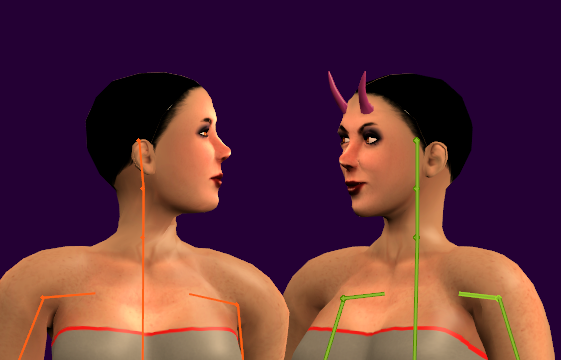
Attach
Attach a Mesh Model to Avastar.
Read more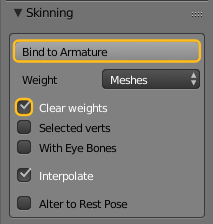
Fitted Mesh
The Workflow is briefly described in the advanced section:
Read moreFit to Shape
Creating a fitted Mesh has become a bit easier with our new Fitting tool. This document contains a brief usage workflow. For the full documentation please read the Fitting Panel Help page.
Read more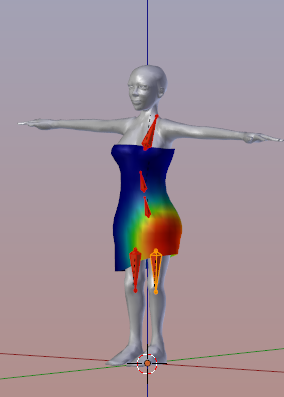
Add Avastar
Navigate to:
Read more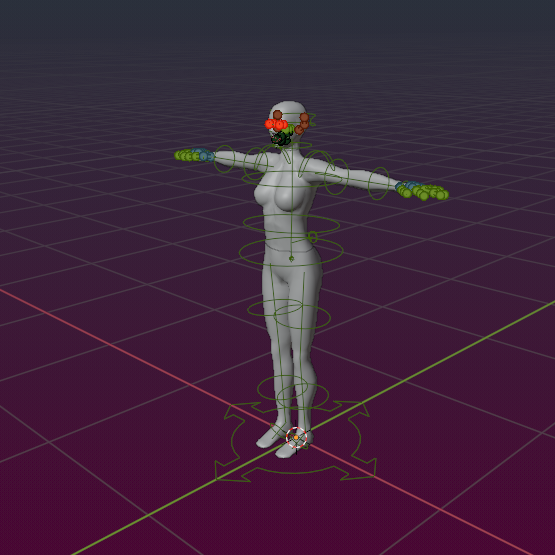
Load Shapes
Suppose you start a fresh Project with an empty scene. You already have downloaded your personal Shape from Second Life as a local Shape file (in XML Format). All that you want is to create a new Avastar character with exactly…
Read more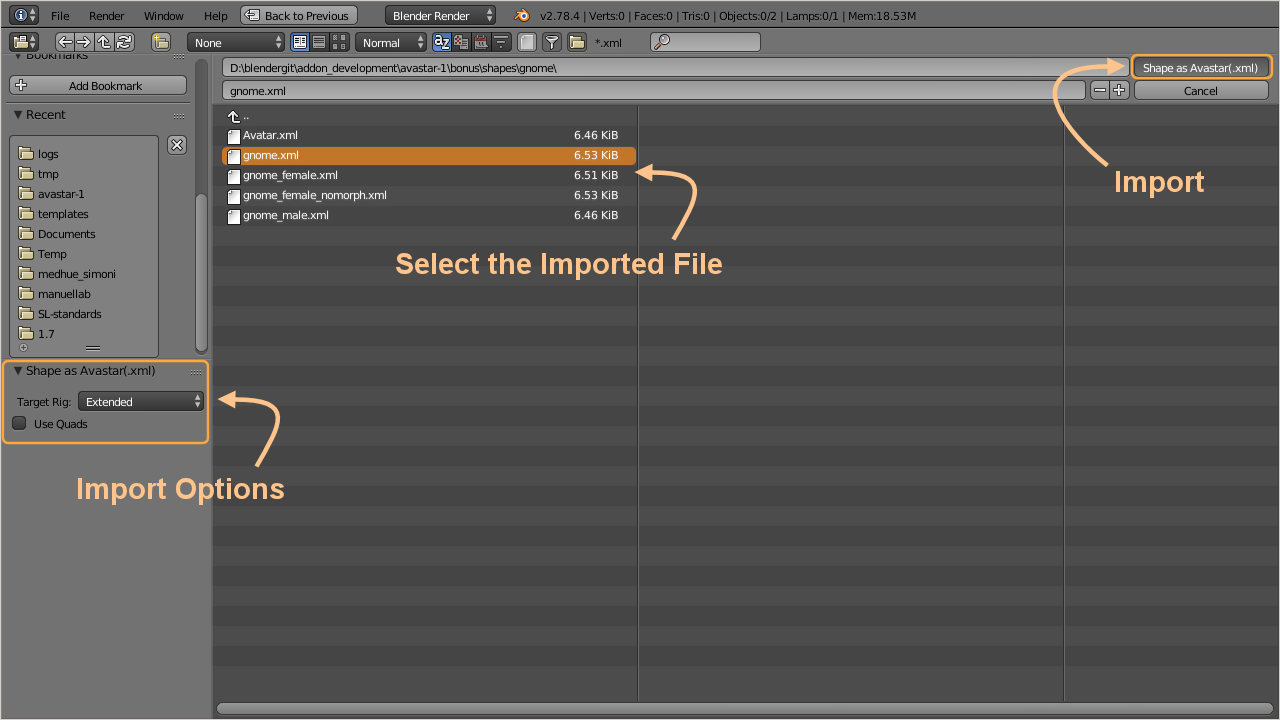
Upload to SL
The Video explains:
Read more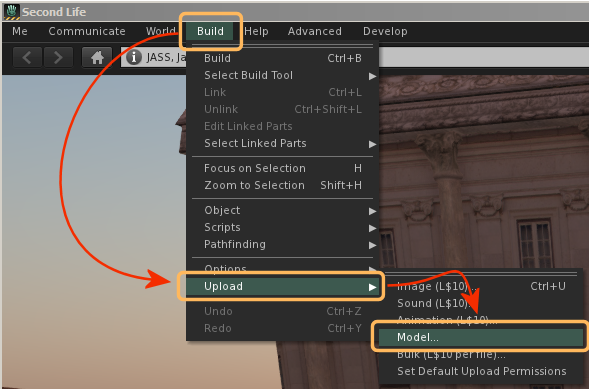
Bind Pose
In previous Avastar releases we always needed to eventually use the T-posed Character when we were creating models and attachments with human shapes. We did so to keep compatible to the SL T-Pose rig (experts may remember the…
Read more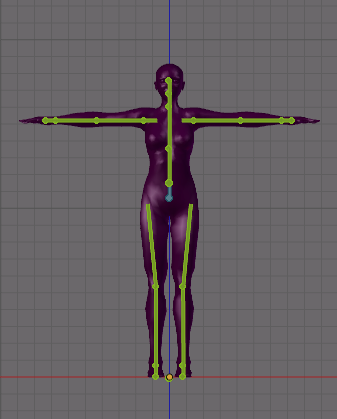
Basic workflows
You should work through the Basic Workflows section at least once to get comfortable with how to use Avastar.
Read more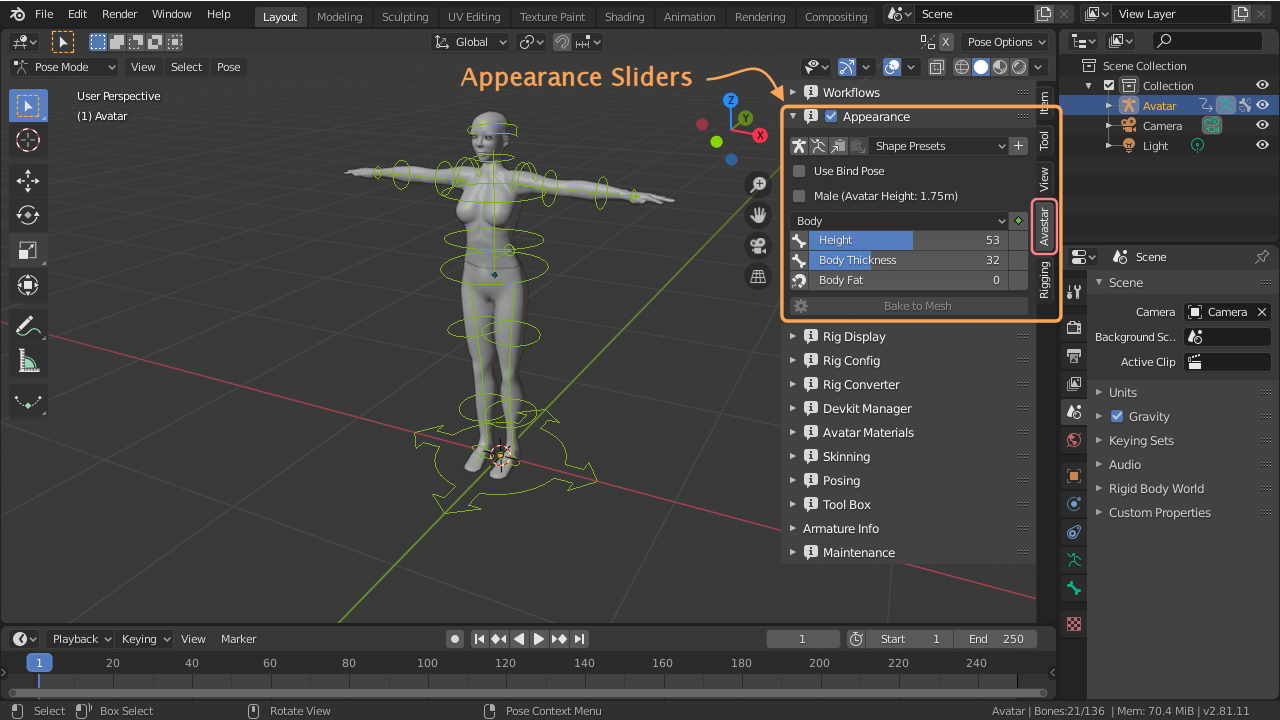
Convert to T-Pose
This workflow applies to Rigs which have a restpose different from the SL restpose. Note: It is not strictly necessary to convert your rig into a T-Pose. Avastar supports binding to arbitrary poses since a while. Basically this…
Read more