
You can change the Gender of the Avastar character as follows:
-
Select the Avastar Armature
-
Open the Data Properties Tab in the Properties window:
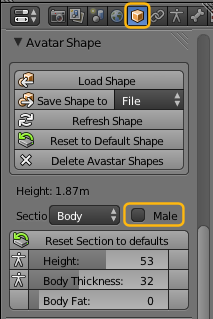
- locate the Gender Selector and enable “Male”
Your final result will look like this: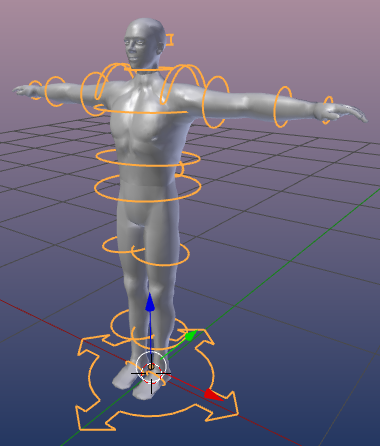
Note: You can switch the Gender on and off as you like.