Usermanual
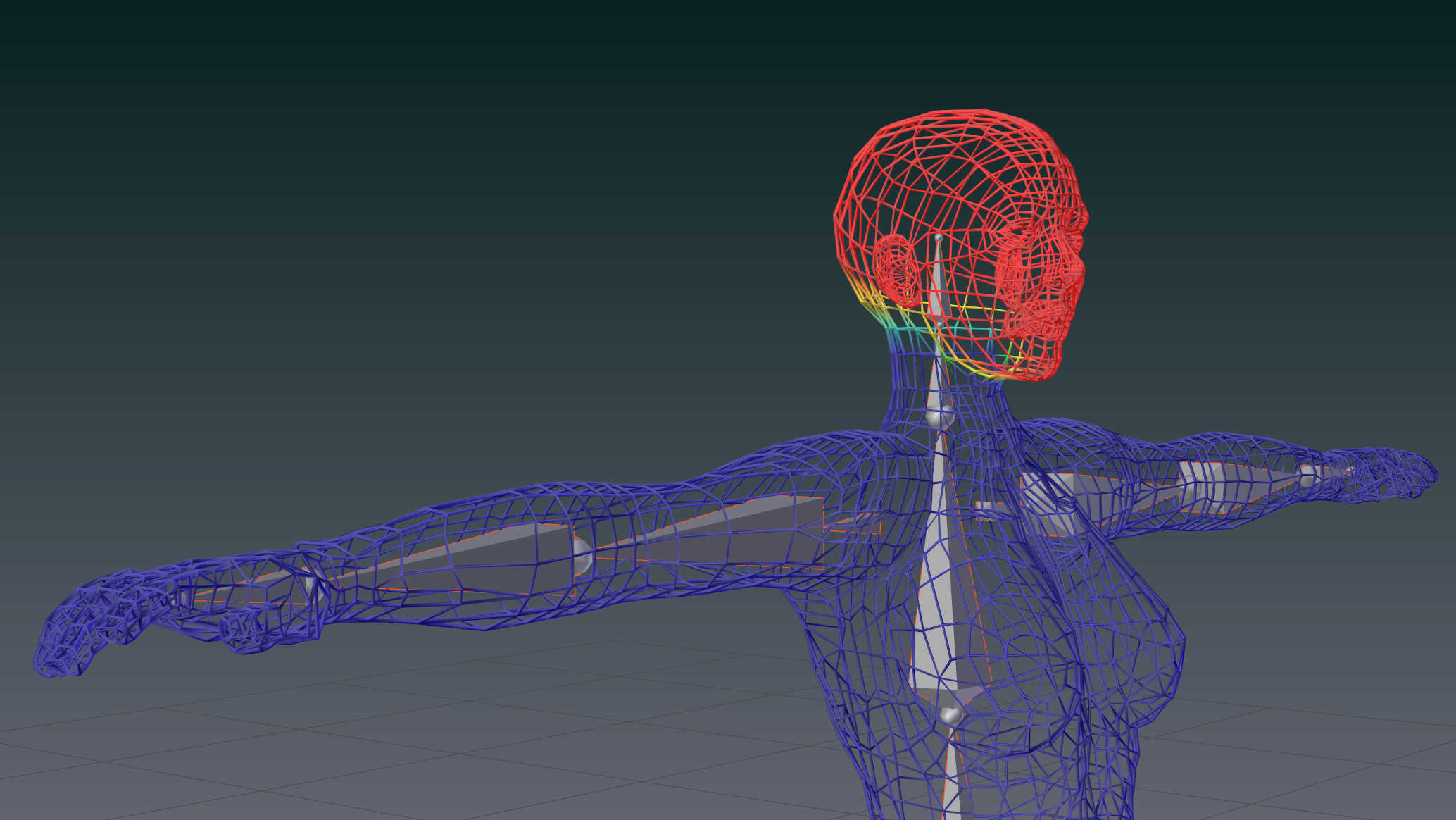
This section contains a set of tutorials for getting you started with Avastar. While we tried to keep the tutorials as easy as possible, you will quickly notice that things can become rather complicated very quickly. But please do not give up, with a bit of patience this is your way to become a rocking creator.
Section Pages
SL Shapes
Content:
Read more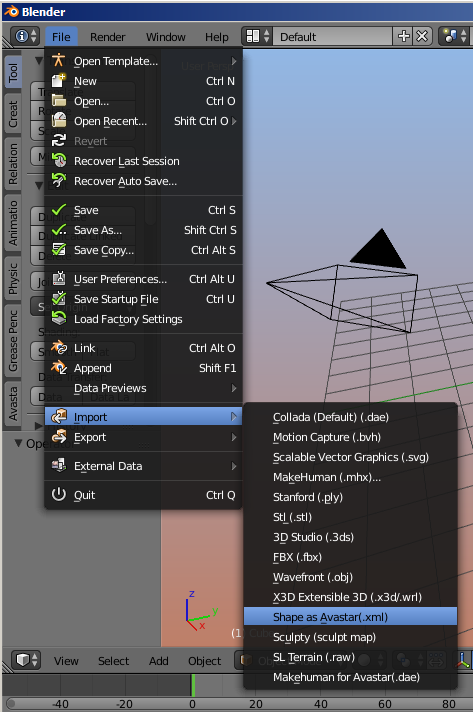
Skinning&Weighting
create\a\character\2\1\1
Read more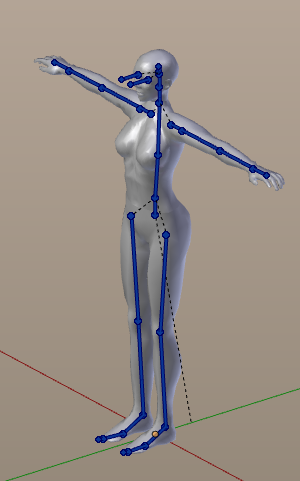
Posing
Pose a character. Content:
Read more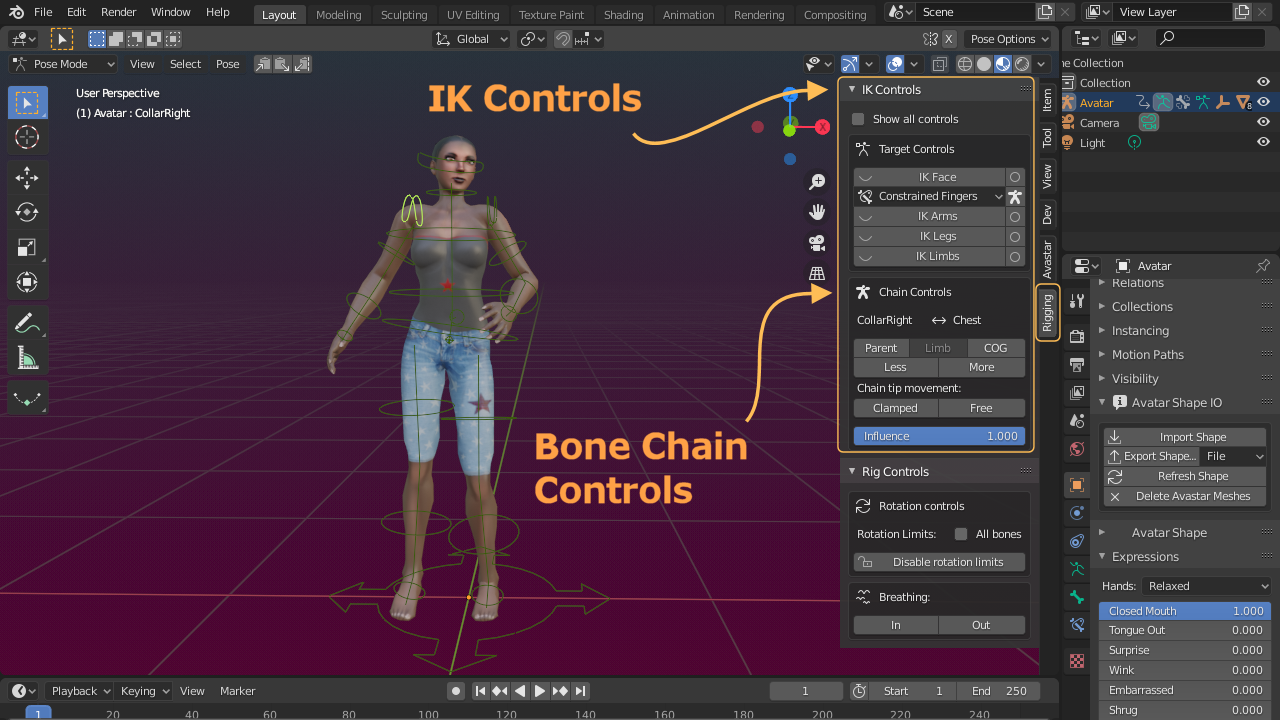
Animation
This document is about how to create your first Animation using Avastar. For the begin we will create a three frame animation. This is just to get you started. As your experience grows you will learn much faster ways to pose and…
Read more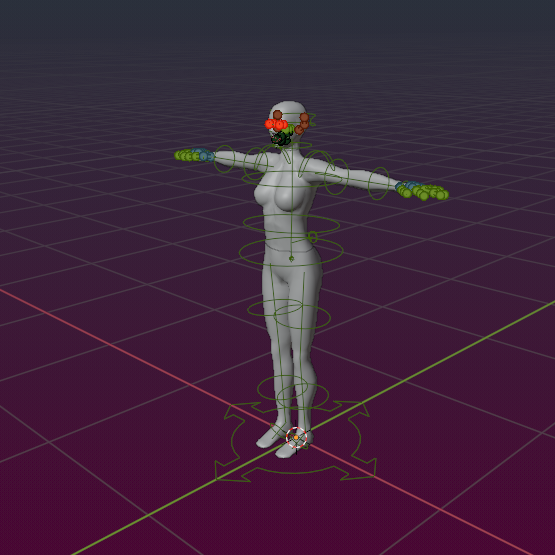
Bone Animation Priorities
When several animations are playing, which one will be visible is determined by two rules: The animation with the highest priority wins and among those of equal priority, the one that was started last wins. But which priority…
Read more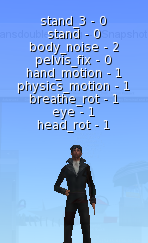
Editing Joints
Sometimes you want to modify the Rig itself beyond what you can do with the Shape Editing sliders. The 2 most apparent reasons for editing the rig are:
Read more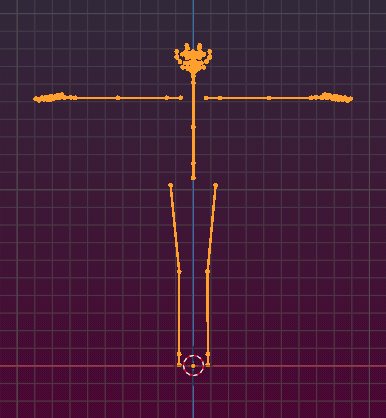
Rest&Bind Pose
Avastar-2 now has full support for arbitrary rest poses. So you no longer have to work strictly in T-Pose. You can model your characters and attachments with a better suited Rest pose (like an A pose for example) to bind your…
Read more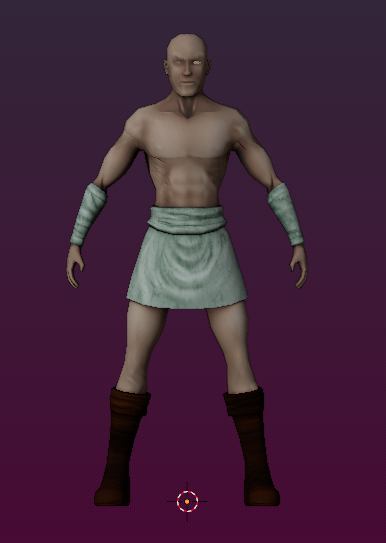
Advanced
Warning: This section contains more complicated topics which need a fairly amount of basic knowledge. Please make sure that you have a good understanding of Blender, Avastar and Secondlife before you continue from here.
Read more
Quick Tips
Here is a collection of Quick Tips which might be helpful in some cases.
Read more