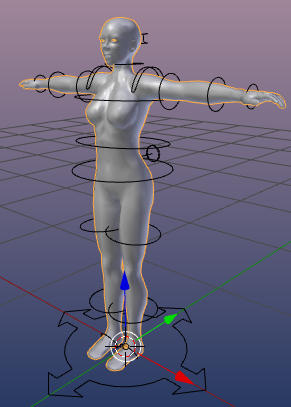
Join Avatar Parts
Joining parts of a mesh will make all parts belong to one single object.
- Select all objects that you want to join. Here i have selected the Head, the upper body and the lower body of a frozen version of the Avastar character:
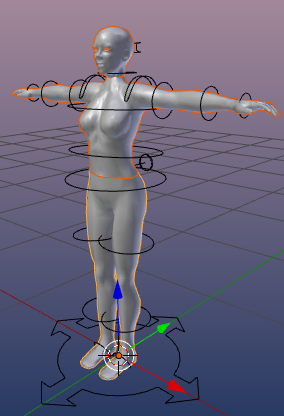
Note: You can select multiple objects by holding the SHIFT key down while you right click on the parts which you want to select.
- Press CTRL +J to join the parts into one object
What you should know
You might have duplicate vertices especially along the seams of the meshes. You can remove these duplicates as follows:
-
Go to Edit Mode
-
Select all Vertices (press “A” once or twice)
-
Press “W”
-
Select the “Remove Doubles” function
- Go back to Object Mode
Your final result will look like this: