
Demo Gallery

Mercat
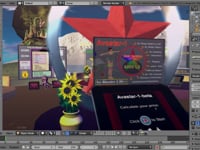
avastar-1.1-overview
Avastar is a Blender Addon for making 3D Content for Second Life. Avastar supports the entire 3D production chain:
Model – Weight – Animate
Avastar includes an Appearance Editor to test your Meshes in Blender.
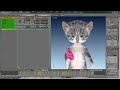
Showcase: Eyes
Made by Etheria Parrott using Avastar
Showcase: Alien
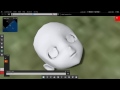
Showcase: Normals
Made by Snuma Whitfield
Your keys to Master Avastar
Visit our Video Gallery. These Videos are best viewed together with our Reference Manual pages.
If you are new to blender then please follow the Installation guide precisely.
The right sidebar lists the Avastar 3 documents preserved in this legacy set. These pages do not constitute the current Avastar 4 documentation.
Avastar+Blender: Teamwork a la carte
How does Avastar differ from Blender?
We are often asked what Avastar has that Blender does not already provide. In short terms:
Avastar optimizes Blender for creating Secondlife Content.
The highlights in the next section tell briefly how Avastar competes to other tools. If you are interested in a detailed comparison, then please
Highlights
Mesh
Avastar integrates seamless into the Blender framework. We support:
-
The Import of SL shapes to Blender.
-
The Creation of SL mesh characters.
-
Full support for Fitted Mesh.
-
Exact SL shape support.
-
SL shape sliders.
-
Accurate attachment modelling.
- Extended checks on meshes before export.
Animation
Avastar adds a couple of Animation Tools:
-
SL compatible BVH retargeting.
-
Export to .anim format.
-
Export to .bvh format.
-
Auto FK and IK/FK controls for the SL Rig.
-
Accurate animation of pose bones and attachments.
-
Experimental support of attachment weighting.
Avastar-3 (Blender >= 2.93)
Avastar-3 has been tested on Blender 3.2. It should work reliably down to Blender 2.93. It does not work reliably on older Blender versions. We have Release Notes for most of the published Avastar versions.
Avastar-1 (Blender < 2.77)
For those who have to use Blender 2.76 or older (for whichever reason), you still can get the previous Avastar-1 releases from the_archive folder in your download page1.
1: While you always can get an anonymous temporary link to the most current product version, you need to create an account and register your download page when you want to get access to the_archive. So you actually might want to
Section Pages
Tool Setup
Install Download Install We expect that you have successfully installed Blender and Blender works properly. Now start Blender and… Navigate to Edit - Preferences proceed to the “Add-Ons” Tab In the Top menu Bar locate and click…
Read more
Get Started
Getting started with 3D You are new to Character creation? Or you never worked with Blender before? Or it is your first time to work with Avastar? Then please take the time and check out the videos below. At the end you will…
Read more
Usermanual
This section contains a set of tutorials for getting you started with Avastar. While we tried to keep the tutorials as easy as possible, you will quickly notice that things can become rather complicated very quickly. But please…
Read more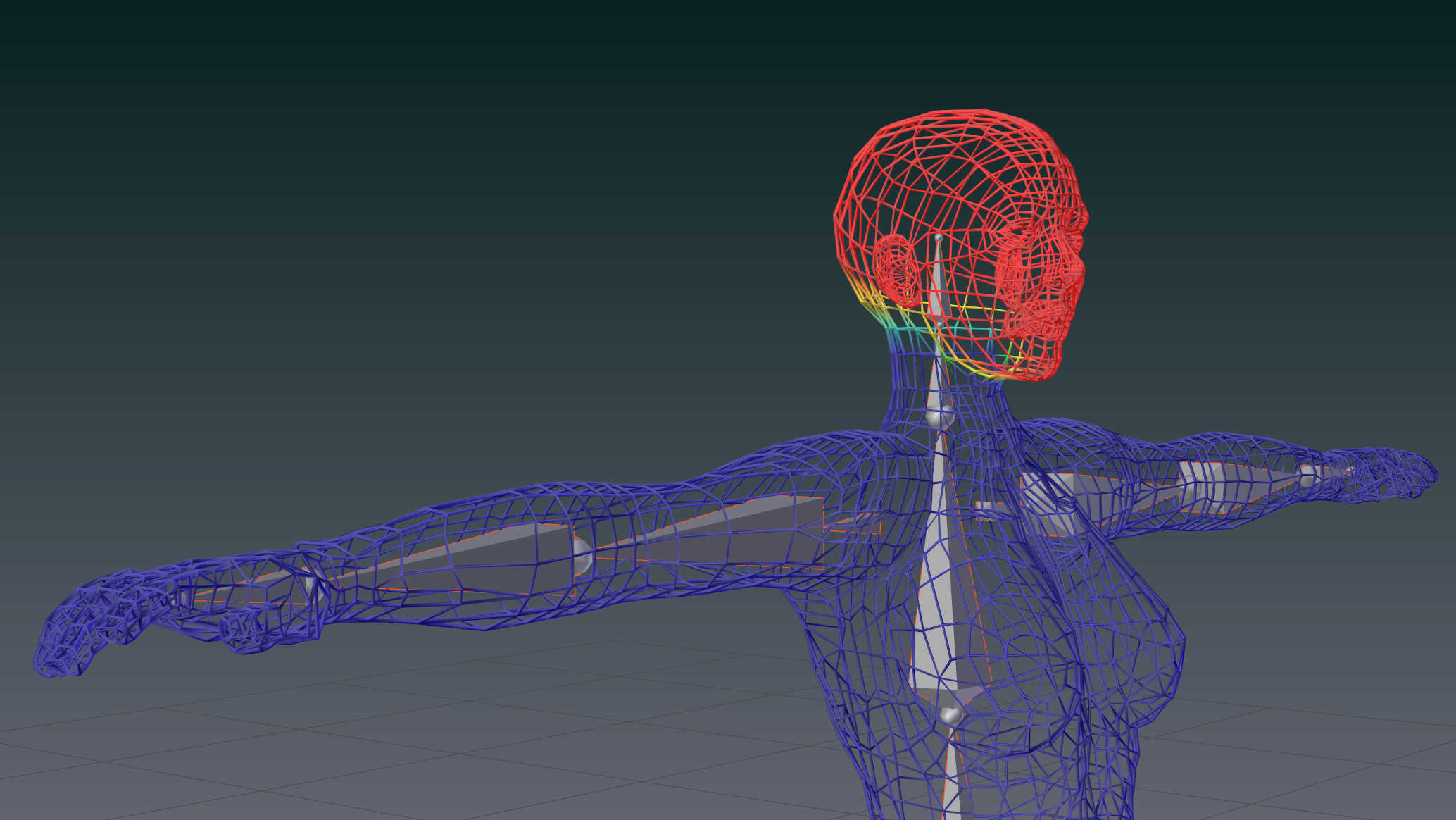
Troubleshooting
The Problem is that your (green) Animation bones and your (blue/purple) Deform bones are not synchronized.
Read more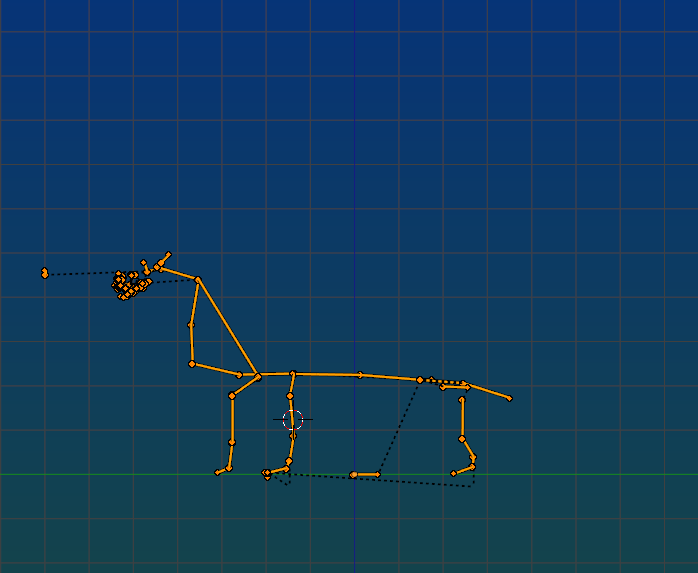
Known Limitations
This page contains a list of limitations imposed by the SL character animation system and/or by Blender. The listed limitations do not apply to Blender/Avastar, It is important that you know what you are allowed to do and what…
Read more