Here is a collection of Quick Tips which might be helpful in some cases.
Quick tips
Remove Rotation Limit Lines
When you create a new Avastar Character, and then enter Pose mode, you will see that most of the (green) animation bones do have indicators for how much they can be rotated. While this can be very useful for animators, sometimes you just do not want to see these lines. And if you are mostly [&hellip...
Invisible Objects
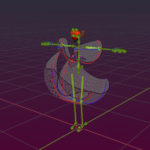
Developerkit Parts not visible in Viewport if you wonder where the heck the mesh is in this case (see image) and you think… “its visible, it is enabled, it is there…. But where is it ???” Then you may have fallen into a little trap that was added by the creator This me...
How to get out of Trouble
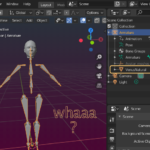
This document has 2 parts. We begin with general advises how to setup your projects. then we show you how to get out of trouble and how you can identify if you have found a bug. Section – General advice Prepare your workbench Make sure that your Avastar is a released version Make sure your [&h...
Section Pages
Add your own Add menu Entries
Avastar comes with 4 ready made Presets for adding new characters:
Read more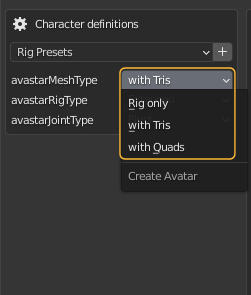
Change Gender
You can change the Gender of the Avastar character as follows:
Read more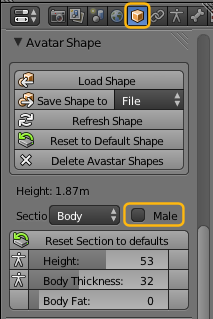
How to get out of Trouble
This document has 2 parts. We begin with general advises how to setup your projects. then we show you how to get out of trouble and how you can identify if you have found a bug.
Read moreInspect weights
Each Vertex of a Skinned Mesh can be controlled by multiple bones at the same time. While this is possible it is not always wise to do it, because with every new bone the overall behavior of the mesh becomes more and more complex.
Read more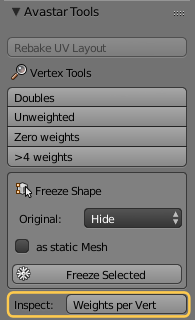
Invisible Objects
if you wonder where the heck the mesh is in this case (see image) and you think… “its visible, it is enabled, it is there…. But where is it ???”
Read more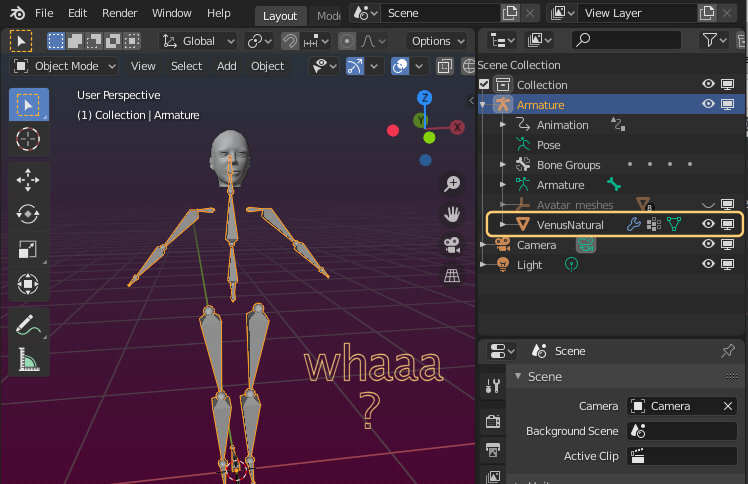
Join Parts
Joining parts of a mesh will make all parts belong to one single object.
Read more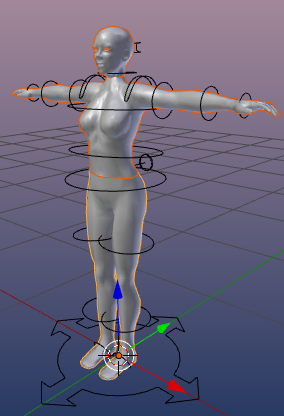
Remove Rotation Limit Lines
When you create a new Avastar Character, and then enter Pose mode, you will see that most of the (green) animation bones do have indicators for how much they can be rotated.
Read more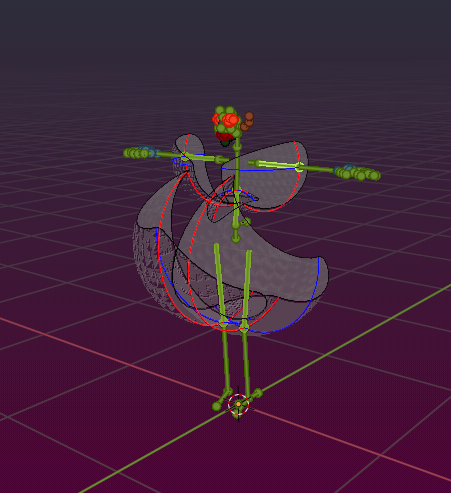
Rig Display settings
The Rig Display section gives you full control over which parts of the Mesh and the Rig can be seen at a given time. By default only the Control bones and the main parts of the Avastar mesh are visible. But sometimes it is…
Read more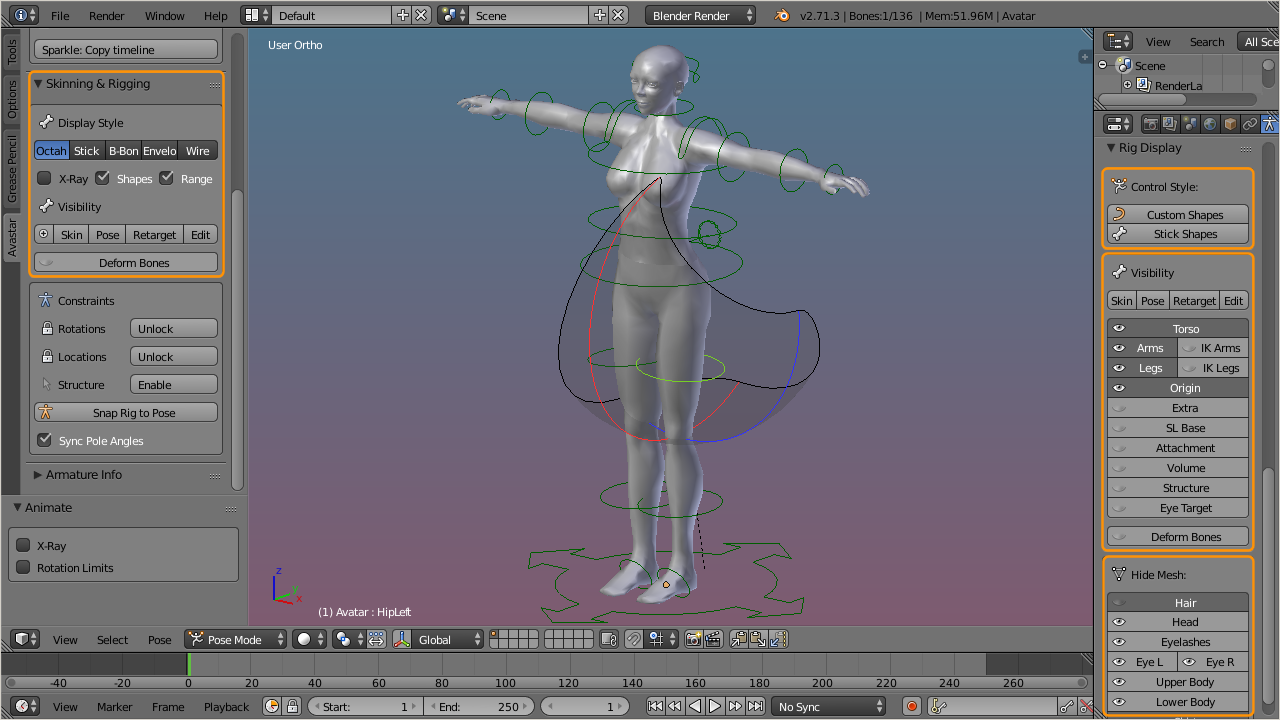
Rig Transfer Tool
The Rig Transfer tool has been added as a convenience tool for users who need to re-open old projects with newer Avastar versions. Also users who want to migrate from the simple SL rig to the Avastar Rig find this tool helpful…
Read more